| Support Category: SSO |
| Specialist Notes: |
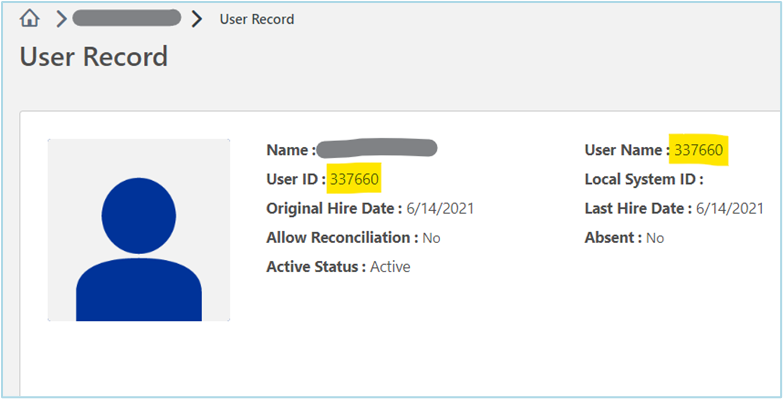
Should a user experience issues logging in, identify the employment type by checking if they have an Employee ID Number listed in their account. If they do, they're an Internal Employee and log in via SSO when they're logged into their company-owned computer. [see example below]
The link to the Roadmap to Success portal can be found on the 'Backstage' SharePoint site. On Backstage, full-time employees will need to hover over the 'Application' tab and click the 'Roadmap to Success' link.
Please provide the following SR to Internal Employees experiencing issues logging in.
IMPORTANT! We may always ask the user to confirm if they're an employee or contractor if unsure. We also need to make sure that the Internal Employee is trying to log in via their company-owned computer. |
| Standard Response: |
I'm sorry to hear you're experiencing issues logging into your Roadmap to Success account. The AEG Talent Development Team advised that Internal Employees will need to contact the Helpdesk directly for assistance with login issues. Kindly send an email to helpdesk@aegworldwide.com to let them know you're experiencing issues accessing Roadmap to Success and provide a screenshot of the error message you received.
