| Support Category: Login Request |
| Specialist Notes: |
Should a user experience issues logging in, identify the employment type by checking if they have an Employee ID Number listed in their account. If they do not have it, they're an External Employee and log in via username and password. [see example below]
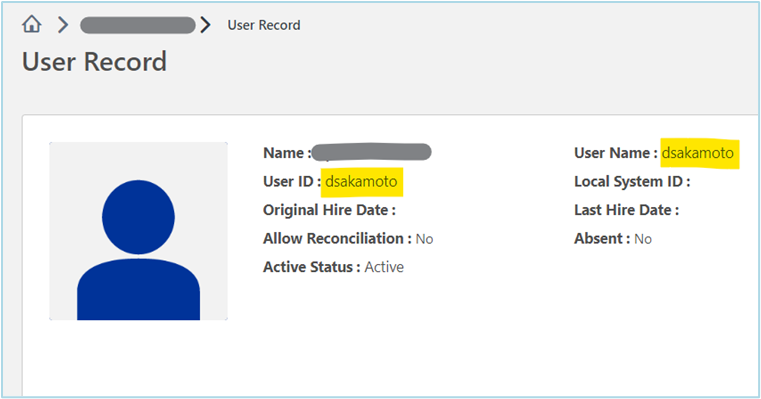
Note: we may always ask the user to confirm the employment type if unsure.
Please proceed manually resetting the password for External Employees (FreshChat via the automation) and then provide the SR below to let the user know they can use the 'Forget Password?' feature in the future.
Instructions for processing login requests in CSOD can be found here.
| Standard Response: |
If you forget your password in the future, please feel free to contact us again or you may click the 'Forget Password?' link on the login page.
